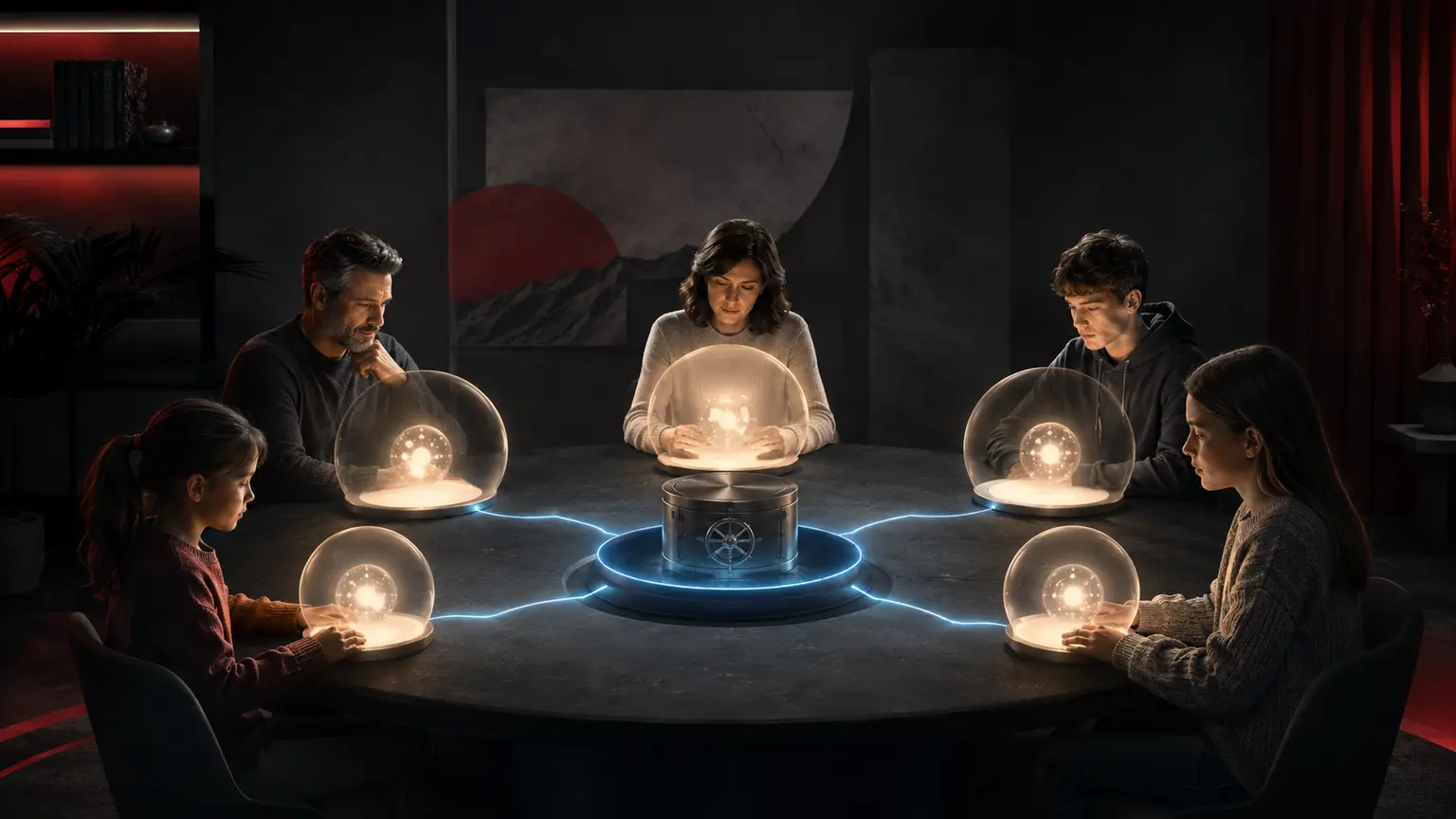
1Password Families is our first choice for most households in 2026 because it combines private vaults, unlimited shared vaults, family-admin recovery, passkey support, Watchtower security alerts, broad platform coverage, and a mature security design. Bitwarden is the stronger value choice and supports six people, while Keeper, NordPass, Proton Pass, and Dashlane may fit households with different pricing, privacy, or emergency-access priorities.
An independent research-based comparison based on current product documentation, security reports, third-party testing and publicly available evidence.What matters before you subscribe
- A family plan should give every member a private vault. Sharing one master password or one undivided vault defeats accountability and privacy.
- 1Password currently advertises up to five family members, unlimited shared vaults, a 14-day trial, and administrator-assisted recovery.
- Family recovery is powerful but not magic: organizers cannot read a private vault, and the household still needs protected Emergency Kits, recovery codes, and an inheritance plan.
- Bitwarden offers six premium accounts at a lower annual price and publishes open-source clients and server code, making it the value leader.
- Passkeys reduce phishing risk on compatible sites, but families will continue to need passwords, recovery codes, and two-factor authentication during the transition.
PRICE CHECK Prices and promotions were checked on July 12, 2026 and may change. Taxes, renewal rates, currency, app-store billing, plan names, and regional features can differ.
Quick comparison
| Password manager | Best for | Family members | Shared vaults | Recovery | Passkeys | Platforms | Trial | Starting price |
|---|---|---|---|---|---|---|---|---|
| 1Password Families | Best overall | Up to 5 | Unlimited shared vaults | Organizer-assisted + recovery codes | Yes | Windows, macOS, Linux, iOS, Android, browsers | 14 days | $4.49/mo annual promo; $5.99 displayed regular |
| Bitwarden Families | Best value | 6 | Unlimited collections/sharing | Emergency Access; organization recovery differs | Yes | All major desktop, mobile, browsers; web | Free family trial | $3.99/mo, $47.88/year |
| Keeper Family | Emergency access | 5 private vaults | Shared folders and records | Emergency Access | Yes | Windows, macOS, Linux, iOS, Android, browsers | 30-day trial commonly offered; verify | Current checkout varies |
| NordPass Family | Simple onboarding | 6 | Shared items/folders | Recovery code; Emergency Access by plan | Yes | Major desktop, mobile, browsers | 30 days displayed on eligible offer | Current promotion varies |
| Proton Pass Family | Privacy ecosystem | Up to 6 | Shared vaults | Recovery phrase/file and account recovery | Yes | Major desktop, mobile, browsers, web | Free plan available | Current family price varies |
| Dashlane Friends & Family | Web-first households | Up to 10 | Secure sharing; individual accounts | Account Recovery Key | Yes | Web app, browser extensions, iOS, Android | 30 days where offered | Current personal checkout varies |
How We Evaluated These Services
We set the family criteria before ranking: security architecture; encryption and zero-knowledge design; independent audits; private and shared organization; account recovery; passkeys; multifactor authentication; cross-platform compatibility; usability; emergency access; price; and the number of included people. No star ratings or invented lab scores were used.
1Password leads because family boundaries and recovery are built into the product model rather than bolted onto a single-user vault. Its Secret Key adds a second high-entropy secret to the account password, vault data is encrypted on the device, and independent assessments and certifications are published or available through its Trust Center. The service is not open source, and its current price is higher than Bitwarden's.
We relied on official plan pages, technical white papers, support documentation, audit indexes, and government account-security guidance. A published audit is evidence about the tested scope and date, not proof that future software is invulnerable. We did not conduct hands-on testing and do not claim a personal migration experience.
Evidence was checked against current provider documentation and independent material where available.
Evidence was checked against current provider documentation and independent material where available.
Evidence was checked against current provider documentation and independent material where available.
Evidence was checked against current provider documentation and independent material where available.
1Password Families
Best for: families that want strong private/shared boundaries and practical recovery
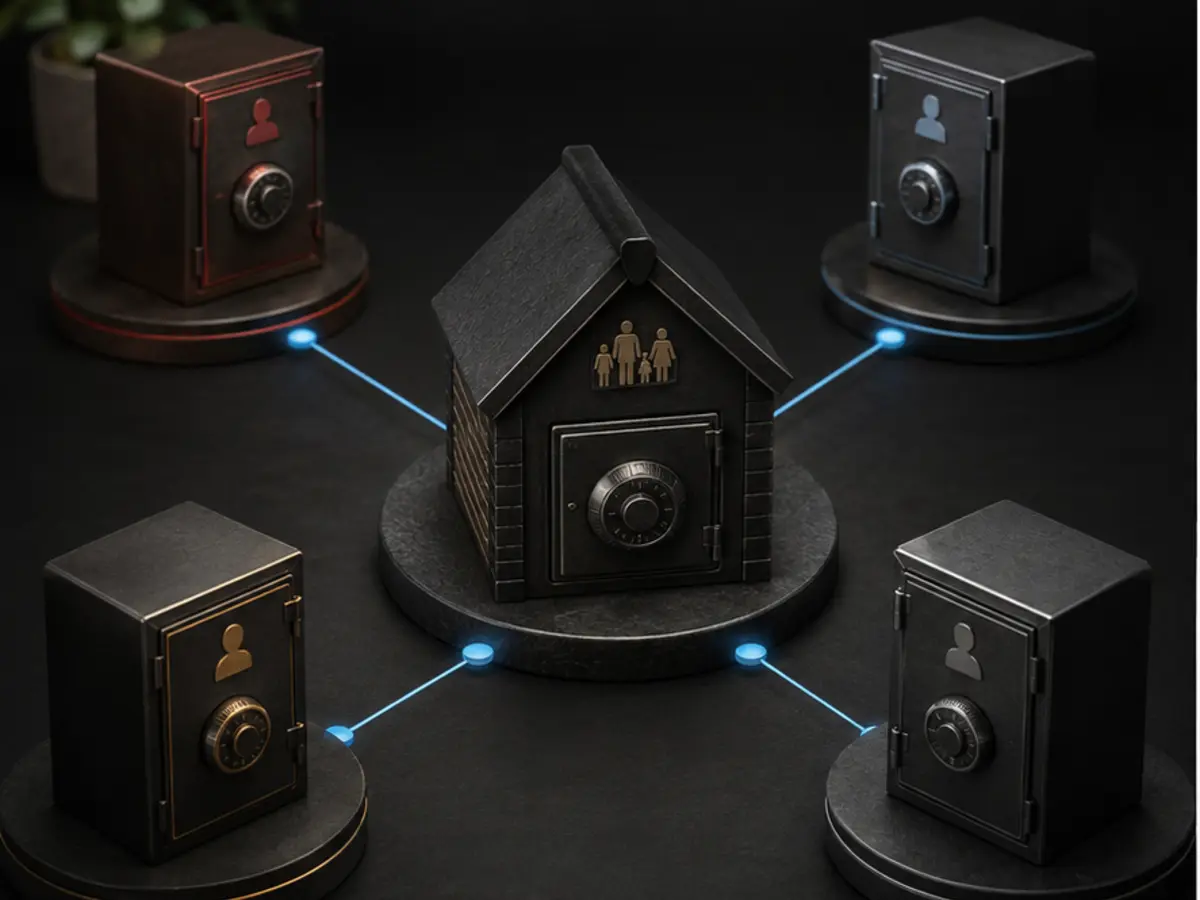
According to 1Password's current family page, a Families subscription can invite up to five family members, share unlimited vaults, and use simple administration controls. Each person has a private vault that other family members and organizers cannot read, while shared vaults hold household logins such as streaming, utilities, travel, and home services. That separation is both a security feature and a healthy family boundary.
1Password's published security design describes local encryption, server ignorance of account passwords and cryptographic keys, and two-secret key derivation that combines the account password with a device-held Secret Key. Its audit page lists independent assessments, ISO certifications, SOC 2 Type 2, and an ongoing HackerOne program; annual penetration-test reports moved to the Trust Center in November 2025. These are meaningful transparency signals, but they do not eliminate endpoint compromise, phishing of recovery material, or mistakes by family organizers.
Key features
- Private vault for each member and unlimited shared vaults
- Family organizers can invite, suspend, and help recover member accounts
- Secret Key plus account password; end-to-end encrypted vault data
- Watchtower warnings for weak, reused, compromised passwords and vulnerable sites
- Passkey creation, storage, and sign-in on supported platforms
- Two-factor authentication, recovery codes, Emergency Kit, and broad import support
- Apps for Windows, macOS, Linux, iOS, Android, and major browsers
- Excellent private/shared vault model
- Recovery balances family administration with encrypted private data
- Clear security white paper and audit index
- Polished cross-platform experience and passkey support
- More expensive than Bitwarden Families
- Proprietary rather than open-source application code
- Five-member limit may not suit larger households
- An organizer can initiate recovery, so organizer accounts need particularly strong protection
Most five-person-or-smaller households, especially those that want simple sharing without exposing every person's private credentials.
Families with more than five members, self-hosting requirements, or a strong preference for open-source software and the lowest annual price.
Privacy and security: 1Password states that encryption happens locally and that it cannot learn the account password or cryptographic keys. Its Secret Key strengthens resistance to server-data attacks, but users must protect the Secret Key, Emergency Kit, recovery codes, email account, and unlocked devices.
Support: Documentation, email support, community support, and account-recovery guidance. Family organizers can assist a member without obtaining the old account password.
Evidence:Families plan and current offer ↗Security design white paper ↗Security audits ↗
Bitwarden Families
Best for: six-person families that prioritize price, openness, and flexible clients
Bitwarden's official pricing page lists Families at $3.99 per month, billed annually at $47.88, for six premium accounts. It includes unlimited sharing, collections, family organization storage, integrated TOTP, Emergency Access, security reports, and support across unlimited devices. This is the strongest value proposition in the group.
Bitwarden publishes open-source code and a security white paper, and it commissions third-party assessments. The interface and organization model can require more explanation than 1Password for a nontechnical household. Emergency Access is also different from organization account recovery: families should configure it intentionally rather than assume one administrator can always reset everything.
Key features
- Six premium accounts and unlimited devices
- Unlimited family sharing and collections
- Open-source clients and server
- Passkeys, integrated TOTP, hardware-key support, and vault-health reports
- Emergency Access and encrypted exports
- Optional self-hosting
- Lowest confirmed annual family price in this comparison
- Six users instead of five
- Open source and independently assessed
- Excellent platform breadth and self-host option
- Family organization concepts can feel technical
- Emergency Access requires prior setup and waiting-period choices
- Self-hosting adds operational responsibility and is not safer by default
Price-conscious families of up to six, open-source advocates, and technically confident organizers.
Households that want the simplest organizer-led recovery and a highly guided onboarding flow.
Privacy and security: Bitwarden documents zero-knowledge end-to-end encryption and publishes its source. Users still control the master password, two-step login, recovery code, trusted devices, and export security.
Support: 24/7 email support for everyone; priority support for paid users, according to the provider.
Evidence:Plans and pricing ↗Security white paper ↗Compliance and audits ↗
Keeper Family
Best for: households that want five separate vaults and a formal emergency contact
Keeper Family is structured around five private vaults plus shared records and folders. Its Emergency Access feature lets a user designate trusted contacts and a delay before access is granted, which is useful for incapacity or death planning when configured carefully.
Keeper has a zero-knowledge security model, supports passkeys and multiple MFA methods, and publishes security and compliance material through its Trust Center. Some desirable features—such as expanded breach monitoring, file storage, or concierge services—may be separate add-ons, so the checkout total matters.
Key features
- Five private vaults
- Shared folders and individual record sharing
- Emergency Access with trusted contacts and delay
- Passkeys, TOTP, security keys, and biometric unlock
- BreachWatch and storage depending on package
- Strong emergency-access workflow
- Granular sharing
- Broad platform support and enterprise-grade security documentation
- Add-ons can increase price
- Family organizer experience is less unified than 1Password
- Current promotions and bundles change
Families that prioritize inheritance and emergency-access planning.
Buyers who want every monitoring feature included at one simple price.
Privacy and security: Keeper describes zero-knowledge encryption and publishes audit/compliance information. Emergency access should use a trusted person and an appropriate delay.
Support: Help center and paid-plan support; premium support options may cost extra.
Evidence:Personal and Family pricing ↗Security architecture ↗
NordPass Family
Best for: six-person households that want a straightforward interface
NordPass Family supports six accounts and focuses on simple password import, autofill, secure item sharing, password health, data-breach scanning, passkeys, and emergency access features that vary by plan. The interface is approachable for relatives who will abandon a complicated tool.
NordPass uses an encrypted vault and publishes security documentation and audit material. As with other Nord products, the first-term offer can differ sharply from renewal. Compare the total term, renewal price, and whether the family plan includes every desired feature.
Key features
- Six separate accounts
- Secure item sharing and folders
- Passkeys and multifactor authentication
- Password Health and Data Breach Scanner
- Emergency Access and account-recovery tools by plan
- Easy onboarding
- Six-member allowance
- Good fit with the broader Nord ecosystem
- Promotional renewal gap
- Some advanced sharing or recovery details depend on plan
- Less granular family administration than 1Password
Families that value ease of use and six seats.
Households requiring advanced organizer controls or stable nonpromotional pricing.
Privacy and security: NordPass documents zero-knowledge architecture and XChaCha20 encryption. Security still depends on the user's account password, MFA, recovery code, and device hygiene.
Support: Help center and customer support; channel availability varies.
Evidence:NordPass plans ↗Security ↗
Proton Pass Family
Best for: families already using Proton Mail, VPN, or Drive
Proton Pass offers encrypted vaults, email aliases, passkeys, secure sharing, TOTP on paid tiers, and apps across major platforms. The family proposition is strongest when the household already pays for the broader Proton ecosystem, because a bundled family plan can cover Mail, VPN, Drive, and Pass.
Proton publishes open-source applications and third-party audit information. Its recovery model requires care: a Proton account can be recovered, but previously encrypted data may require a recovery phrase, recovery file, or another configured method. Families should test the documented process before an emergency.
Key features
- Encrypted vaults and secure sharing
- Passkeys and TOTP support
- Integrated email aliases
- Open-source apps and published audits
- Proton ecosystem bundle options
- Strong privacy posture
- Useful alias integration
- Excellent value for existing Proton families
- Standalone-versus-bundle pricing can be confusing
- Encrypted-data recovery needs advance setup
- Family administration is broader than password management alone
Privacy-focused households already committed to Proton services.
Families wanting the most mature password-only organizer workflow.
Privacy and security: Proton states that Pass uses end-to-end encryption and open-source clients. Recovery methods should be stored offline because account access and data decryption are separate concerns.
Support: Support level varies by free or paid plan.
Dashlane Friends & Family
Best for: households that need more seats and prefer a browser-centered workflow
Dashlane's family offering has historically supported up to ten individual accounts, each with a private vault, while secure sharing handles selected credentials. Its passkey support, password health, dark-web monitoring, and polished browser extension remain useful for mixed-ability households.
Dashlane has shifted product packaging and emphasizes business offerings on its main pricing page, so personal family availability and price should be confirmed in the buyer's country before migration. Its modern experience is web-first; people who prefer a traditional desktop application may prefer another product.
Key features
- Separate private accounts
- Secure item sharing
- Passkeys and multifactor authentication
- Password Health and dark-web monitoring
- Account Recovery Key
- Potentially larger family allowance
- Strong browser autofill and health reporting
- Clear zero-knowledge documentation
- Personal plan visibility and pricing have changed
- Web-first design is not for everyone
- Family recovery and emergency planning need confirmation
Larger households that confirm current plan availability and prefer browser-based use.
Families wanting a traditional desktop app or the clearest stable family pricing.
Privacy and security: Dashlane documents zero-knowledge architecture and has published security material. A Recovery Key can restore account access when configured and protected.
Support: Help center and support channels vary by plan.
Evidence:Family password manager ↗Security ↗
How to choose a family password manager
First count people, not devices. Every adult and child who can manage an account should receive a separate login and private vault. Then list shared records: Wi-Fi, streaming, utilities, travel, home systems, insurance portals, and emergency contacts. Share those items deliberately instead of placing tax, health, work, or personal credentials in a common vault.
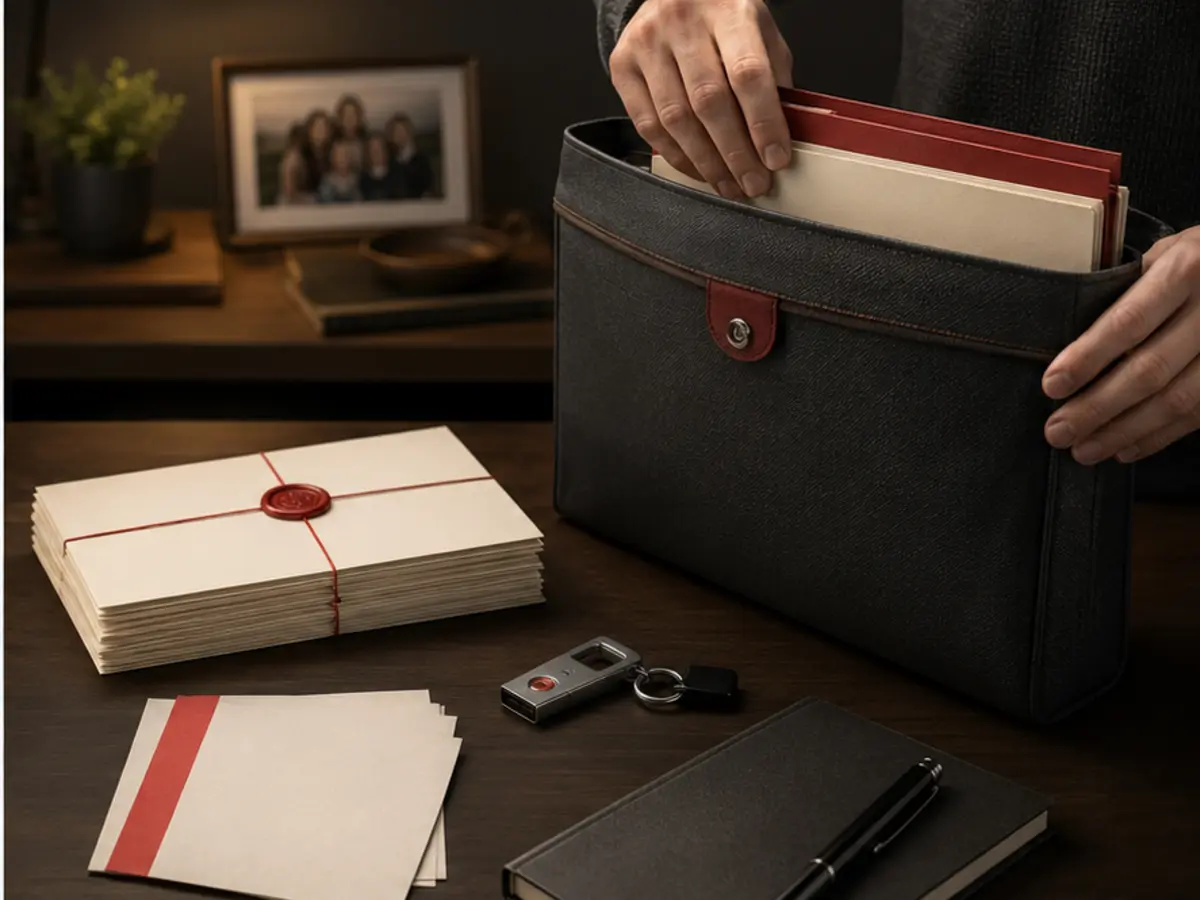
Next, model failure. What happens when a parent forgets an account password, loses every device, dies, separates from the household, or has an email account compromised? A family organizer recovery flow, an Emergency Kit, a recovery code, an emergency contact, and a sealed estate plan solve different problems. Configure at least two independent recovery routes and protect them offline.
Finally, test the everyday workflow during the trial: importing, duplicate cleanup, autofill, passkey creation, shared-item updates, mobile access, and leaving the family. A theoretically strong manager that relatives refuse to use will not reduce password reuse.
- Give every person a unique account and enable MFA on organizer accounts.
- Create purpose-specific shared vaults instead of one family dump.
- Store recovery material offline in a physically secure place.
- Review access when a relationship, address, caregiver, or device changes.
- Export only when necessary, because an unencrypted export becomes a high-value file.
Evidence:CISA password guidance ↗NIST digital identity guidance ↗
What Happens If a Family Member Loses Access?
With 1Password Families, an organizer can begin account recovery for another member. The process replaces the member's account credentials and restores access to vault keys that the member is entitled to; it does not reveal the old password or let the organizer browse the private vault at will. Recovery codes and the Emergency Kit provide additional routes when configured.
Other products use different models. Bitwarden Emergency Access lets a designated contact request view or takeover access after a waiting period; Keeper has a trusted-contact delay; Proton distinguishes account recovery from recovery of encrypted data. These are not interchangeable. Document the chosen process in plain language and test it with a low-risk family member.
Protect the organizer. Use a unique, high-entropy account password, phishing-resistant MFA or a security key where supported, secure the email account, keep recovery codes offline, and designate more than one trustworthy organizer only when the family understands the authority granted.
Evidence:1Password family recovery ↗Bitwarden Emergency Access ↗
Are Browser Password Managers Enough for a Family?
Built-in managers from Apple, Google, and Microsoft are far better than reusing passwords, and platform passkey sync can be convenient. They may be enough for a household that lives inside one ecosystem and needs simple credential sharing. The limitation appears when the family mixes Android, iPhone, Windows, Mac, multiple browsers, work profiles, and relatives with different accounts.
Dedicated managers usually provide clearer cross-platform behavior, purpose-built shared vaults, independent family administration, security reports, emergency access, and migration tools. They also reduce dependence on one browser account. That does not make them invulnerable; a compromised unlocked device, malicious extension, phishing of recovery material, or unsafe export can still expose data.
If the family chooses a browser manager, turn on strong account MFA, review recovery contacts, separate work and personal profiles, and confirm what happens when someone leaves the family group. The decision should be based on the household's devices and recovery needs, not a blanket claim that browsers are unsafe.
Evidence:Google Password Manager ↗Apple Passwords security ↗
A safe family migration plan
Choose the manager and create organizer accounts first. Secure those accounts with MFA and offline recovery material. Import one person's passwords, remove obvious duplicates, replace weak or reused passwords beginning with email and financial accounts, and verify that autofill selects the correct domain before inviting the rest of the household.
Create shared vaults by purpose and move only shared items. Do not send the master password, Secret Key, recovery phrase, or complete export through chat or email. After migration, delete exports from downloads, cloud-sync folders, recycle bins, and backups where practical. Keep the old manager active briefly only if necessary to verify completeness, then cancel it and remove extensions.
Teach a five-minute routine: open the manager directly, inspect the domain before autofill, save new credentials, approve unexpected passkey prompts cautiously, and ask the organizer for recovery help rather than creating a second unmanaged account.
Frequently asked questions
Can a family organizer see everyone's passwords?
Not automatically. In 1Password, a member's Private vault is private; organizers manage membership and can initiate recovery but do not simply browse it. Shared vault items are visible to people granted access. Other managers use different organization and emergency-access models, so verify permissions.
How many people are included in 1Password Families?
The current official family page says you can invite up to five family members. The wording and regional offer should be confirmed at checkout. Bitwarden and NordPass list six accounts; Dashlane may support more where its family plan is available.
Do password managers support passkeys?
All six products in this comparison advertise passkey support on at least some platforms. Site support, browser support, export, sharing, and cross-ecosystem portability continue to evolve, so keep recovery methods for each important account.
What if the password-manager company is breached?
A well-designed zero-knowledge service stores encrypted vault data that the provider cannot decrypt directly. That reduces server-breach impact but does not remove risk. A weak account password, stolen Secret Key or recovery code, malicious device, implementation flaw, or phishing attack can still matter.
Should children use a password manager?
A child who maintains online accounts can benefit from generated unique passwords and a private vault, with age-appropriate supervision. Parents should share only necessary items, protect school and health credentials, and explain that the manager does not make a suspicious message trustworthy.
Is a free password manager safe enough?
A reputable free tier can be an excellent start. Bitwarden Free and Proton Pass Free provide useful core protection. Families pay mainly for multi-person organization, advanced sharing, recovery, reports, storage, and support—not because every free vault is inherently unsafe.
Our research-based conclusion
1Password Families offers the best overall balance for most households in this research-based comparison. Its private/shared vault design, organizer-assisted recovery, Secret Key architecture, Watchtower, passkeys, and platform support make secure behavior easier to sustain. The current five-person cap and higher price are real limitations.
Choose Bitwarden for six seats, open-source transparency, and the lowest confirmed annual price; Keeper for a deliberate emergency-contact workflow; NordPass for beginner-friendly onboarding; Proton Pass for a Proton-centered privacy household; or Dashlane only after confirming current personal-family availability and pricing. Whichever tool you choose, the migration and recovery plan matter as much as the feature list.
View current 1Password Families pricingOFFICIAL SITE · NON-AFFILIATESources were accessed July 12, 2026. Provider claims are attributed to the provider; audit scope does not prove that a service is risk-free. We did not conduct hands-on product testing for this comparison.
- 1Password — Personal & Family Security ↗
- 1Password — Password Manager Pricing ↗
- 1Password — Security Design White Paper ↗
- 1Password Support — Security audits of 1Password (updated May 14, 2026) ↗
- 1Password Support — Recover accounts ↗
- 1Password Support — Use recovery codes ↗
- Bitwarden — Plans and Pricing ↗
- Bitwarden — Security White Paper ↗
- Bitwarden — Security audits ↗
- Keeper Security — Personal and Family Pricing ↗
- NordPass — Plans ↗
- Proton — Proton Pass Pricing ↗
- Dashlane — Family Password Manager ↗
- NIST — Digital Identity Guidelines: Authentication ↗
- CISA — Use Strong Passwords ↗

This comparison was reviewed by Lavi and is based on provider documentation, published pricing, regional availability, privacy policies, customer terms and publicly available security information. Products are not described as personally tested unless hands-on testing actually occurred.